
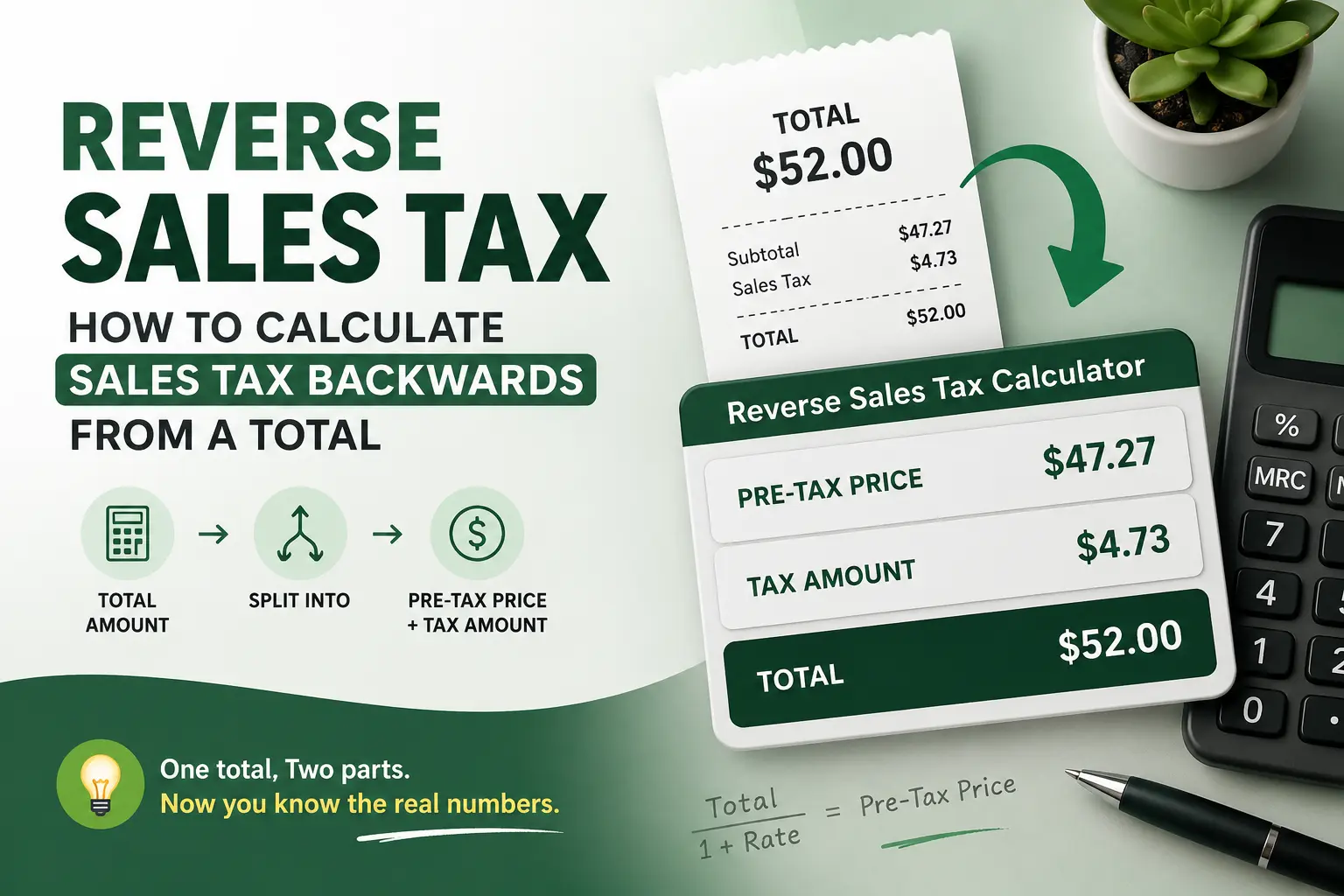
The Reverse Sales Tax Formula: How to Calculate Sales Tax Backwards From a Total
If a receipt shows a $52.00 total, the sales tax isn’t $52.00 times your local rate — that math already happened once, at checkout, and it’s baked into the number sitting in front of you. Pulling the tax back out takes a different formula than most people reach for instinctively. By the end of this, you’ll be able to take any tax-inclusive total — a receipt, a marketplace payout, a sticker price — and split it into the exact pre-tax amount and the exact tax dollars, using your own numbers. The formula itself is simple. What trips people up is which rate to divide by, and that’s the part worth getting right.
Reverse Sales Tax Calculator
Enter the total you paid (tax included) to find the original pre-tax price and exact tax amount.
What “Calculating Sales Tax Backwards” Actually Means
Calculating sales tax backwards means starting with a total that already includes tax — what you paid, not what the item cost before tax — and working out two numbers from it: the pre-tax price and the tax amount itself. It’s the reverse of the usual direction, where you take a price and add tax to it.
The mistake almost everyone makes the first time: subtracting the tax rate as a percentage of the total, instead of dividing by it. On a $108 total at 8% tax, subtracting 8% gives you $99.36. The actual pre-tax price is $100.00. That’s not a rounding difference — it’s the wrong formula.
This applies to anyone holding a tax-inclusive number and needing the pieces separated: a customer checking a receipt, a seller reconciling a marketplace payout, or a vendor setting a “tax included” sticker price. The reverse sales tax formula is the same math in every case — only the numbers change.
How Do You Calculate Sales Tax Backwards From a Total?
To calculate sales tax backwards, divide the tax-inclusive total by 1 plus the tax rate (as a decimal): Pre-tax price = Total ÷ (1 + tax rate). Subtract that result from the total to get the tax amount. Use the combined state and local rate for the transaction’s location, not just the state rate.
The US has no federal sales tax — the “tax rate” in the formula is always whatever combined state-plus-local rate applied at that specific register, never a single national figure. (More on how state and local rates stack in the section below.)
Why division works and subtraction doesn’t: the rate was applied to the pre-tax price to produce the total, so reversing it means undoing multiplication with division, not undoing addition with subtraction. Subtracting the rate as a percentage of the total overstates the tax and understates the price, and the gap widens as the rate climbs.
Five states — Alaska, Delaware, Montana, New Hampshire, and Oregon — charge no statewide sales tax, so a total from those states is usually already the pre-tax price (Alaska has local exceptions ).
Which Tax Rate to Use: State, Local, and Combined Rates
Sales tax is governed entirely by state law in the US — there’s no federal sales tax statute to check against. More than 45 states plus DC levy one, with state-level rates alone ranging from roughly 2.9% up to California’s 7.25%, the highest base rate in the country.
The number that matters for this formula is the combined rate — state plus local — not the state rate alone. Local add-ons can be substantial: Chicago layers on roughly 4.75% locally, Seattle about 3.6%, and New York City about 4.5%. Using only the state figure while ignoring the local add-on is the second most common reverse-calculation error, right after subtracting instead of dividing.
Sellers reconciling payouts across states should also know about economic nexus: since South Dakota v. Wayfair (2018), states can require out-of-state sellers to collect their tax once sales cross roughly $100,000 or 200 transactions annually into that state [thresholds vary by state and some have dropped the transaction-count prong].
Combined rates run highest in Louisiana and Tennessee, at roughly 9.55%, and Texas alone ranges from a 6.25% state minimum up to 8.25% combined in Houston and Dallas — the same state, two different reverse calculations, depending on the zip code.
The figures above are based on current published rates. State and local rates change frequently, sometimes monthly. For compliance decisions, consult a qualified payroll or tax professional, or confirm your exact combined rate through the California Department of Tax and Fee Administration’s rate lookup tool or your own state’s Department of Revenue site before filing or pricing anything.
Reverse Sales Tax Examples: 3 Real Scenarios
Example 1: The Chicago Restaurant Receipt A diner in Chicago is holding an $84.60 bill and wants to know how much of it was tax before splitting it with a friend.
Starting numbers: total paid: $84.60. Chicago’s combined sales tax rate (state plus local): approximately 10.25%.
Calculation: divide the total by 1.1025 — that’s 1 plus the 10.25% rate as a decimal. $84.60 ÷ 1.1025 works out to $76.73. Subtract that from the total, $84.60 minus $76.73, and the tax comes to $7.87.
Result: $76.73 pre-tax, $7.87 in sales tax.
What this means: the two diners can split the $76.73 food cost evenly and each cover their own share of the $7.87 tax, instead of assuming tax was a flat percentage of whatever they each personally ordered.
Once you’ve seen the math done by hand, you can skip the manual steps entirely — the reverse sales tax calculator does this instantly for any total and rate.
Example 2: The Etsy Seller Reconciling a Payout A California-based Etsy seller receives a $1,247.50 monthly payout that already includes the sales tax the marketplace collected and remitted on her behalf, and she needs the pre-tax sales figure for her own bookkeeping.
Starting numbers: total payout: $1,247.50. California’s average combined rate: approximately 8.85% (7.25% state plus average local).
Calculation: $1,247.50 ÷ 1.0885 = $1,146.07 in actual product revenue. $1,247.50 minus $1,146.07 leaves $101.43 already collected and remitted as tax.
Result: $1,146.07 in gross sales, $101.43 in sales tax already handled by the marketplace.
What this means: she reports $1,146.07 as revenue, not the full $1,247.50 — reporting the payout total as income would double-count tax the marketplace already paid on her behalf.
Example 3: The Mixed Grocery Receipt (Alabama) A shopper in Alabama rings up a $52.00 total covering both taxable non-food items and groceries — and Alabama, unlike most states, taxes groceries at the same full rate with no exemption.
Starting numbers: total: $52.00. Alabama’s average combined rate: approximately 9.29%.
Calculation: because nothing on this receipt is exempt, the whole total can use one rate: $52.00 ÷ 1.0929 = $47.58 pre-tax, and $52.00 minus $47.58 leaves $4.42 in tax.
Result: $47.58 pre-tax, $4.42 in sales tax.
What this means: this shortcut only works because Alabama doesn’t exempt groceries. In most other states, a receipt mixing exempt groceries with taxable items needs to be split into two totals before you divide — one blended rate across a mixed receipt elsewhere would give you the wrong number for both parts.
Since your local combined rate may differ from these examples, use the calculator to calculate it for your exact rate instead of estimating.
Step-by-Step: How to Calculate Sales Tax Backwards From Any Total
- Find your total. This is the number on the receipt, invoice, or payout — the tax-inclusive figure, not an estimate.
- Confirm the combined tax rate that applied. Look up the state rate and add the local county or city rate for the exact location and date of the transaction — not just your home state’s default rate. A rate lookup on the relevant state Department of Revenue site is the most reliable source.
- Convert the rate to a decimal and add 1. An 8.75% rate becomes 1.0875.
- Divide the total by that number: Pre-tax price = Total ÷ (1 + tax rate). This is the step where subtracting instead of dividing produces a wrong answer — division undoes the multiplication that created the total in the first place. Prefer not to do this by hand across dozens of totals? The reverse sales tax calculator does Steps 3 and 4 for you — enter the total and rate, get both numbers back instantly.
- Subtract the pre-tax price from the total. What’s left is the tax amount in dollars.
- Check whether the receipt mixes taxable and exempt items — groceries, clothing under certain thresholds, and other categories are exempt in many states. If it does, split the total into taxable and exempt portions before applying the formula, since running one blended rate across a mixed receipt will be wrong.
- For multiple transactions — a full day of sales, for instance — decide whether you’re rounding each line individually or rounding only the final total. Round each sale individually or round the total — either works, but don’t mix them, or you’ll be chasing pennies at month-end. Match whichever method your bookkeeping already uses rather than introducing a second rule.
Reversing VAT in the UK
Reversing VAT in the UK follows the identical structure with a different divisor: at the standard 20% rate, divide the VAT-inclusive total by 1.20. A £120 total becomes £100 pre-VAT, with £20 in VAT
FREQUENTLY ASKED QUESTIONS
How Do You Calculate Sales Tax Backwards From a Total?
Divide the tax-inclusive total by 1 plus the tax rate as a decimal — that gives you the pre-tax price. Subtract the pre-tax price from the total to get the tax amount. For a $108 total at 8% tax (a round-number example, not tied to any specific state’s rate), that’s $108 ÷ 1.08 = $100.00 pre-tax, with $8.00 in tax. Subtracting 8% straight from $108 instead gives $99.36, which is wrong.
What Sales Tax Rate Should I Use to Reverse-Calculate a Receipt?
Use the combined state and local rate that applied at the exact location and date of the transaction, not just your state’s base rate. Local county, city, or special-district add-ons can change the rate by several percentage points — Chicago’s local add-on alone runs roughly 4.75%. If you’re unsure of the exact figure, your state Department of Revenue’s rate lookup tool will have it.
How Do I Find the Pre-Tax Amount for My Sales Tax Return?
Divide your total tax-inclusive sales by 1 plus your combined sales tax rate to get the pre-tax sales figure your return requires — the difference between that number and your total is the tax you collected and owe. Doing this across dozens of transactions by hand invites rounding errors, so most sellers run totals through the reverse sales tax calculator once rather than recalculating each line by hand.
How Do I Calculate Sales Tax Backwards in California?
Use California’s combined rate for the specific city or county where the sale happened — the state base is 7.25%, but most areas add local district tax on top, often landing near 8.85% on average. Divide your total by 1 plus that combined rate (for example, 1.0885) to get the pre-tax price, then subtract to find the tax.
How Do You Calculate Sales Tax Backwards for Multiple Transactions Without Rounding Errors?
Decide up front whether you’re rounding each transaction’s tax to the cent individually or summing pre-tax figures first and rounding only the final total — the two methods can produce a penny-level discrepancy that compounds across a full day or month of sales. Most point-of-sale systems round per transaction, so match whichever method your system already uses.
That $99.36-versus-$100.00 gap in the earlier example is small on one receipt and real money across a month of payouts — which is why dividing by 1 plus the rate, not subtracting it, is worth getting right the first time. If you’re reconciling more than a handful of transactions, decide your rounding rule now, before it becomes a discrepancy you have to chase down later.
The reverse sales tax calculator handles the division and subtraction for you and lets you enter your exact combined rate instead of estimating.